Hello Dear readers welcome to Techvirus today we are going to discuss about iOS 26.2 Brings a Much-Needed Feature to AirDrop — Here’s How to Use It. Apple Latest update ios 26.2 and it has lot of major upgrades this time so stay tuned to this complete article to know and how to use this feature will give you complete information.
This update addresses past Drop restrictions (like the “Everyone for10 Minutes” limit from iOS 16.2), building on features like NameDrop in iOS 18 by adding temporary trust via a shared code. most of the people are thinking at why we need this feature but apple made this change just because of better user interface and more enhancement features.
Read more : How to Launch Multiple Apps at Once on Windows (Easy Methods)
iOS 26.2 Brings a Much-Needed Feature to AirDrop — Here’s How to Use It
According to rumours Apple’s latest update, iOS 26.2, introduces several notable changes and improvements across iPhone and iPad devices — but one of the most useful tweaks is an upgrade to AirDrop, Apple’s easy way to wirelessly share files Both devices must run iOS 26.2 or later (including iPadOS 26.2); older versions won’t show the option.
The new AirDrop code feature in iOS 26.2 is a smart, much-needed improvement to Apple’s file-sharing system. It fixes a long-standing hassle of needing to be in each other’s Contacts or temporarily opening AirDrop to anyone nearby — instead, you get secure, temporary access that lasts up to 30 days.
Well guys there is a Long a favorite among Apple users for quick file transfers, Airdrop’s traditional settings have required users either to be in each other’s contacts or temporarily open file sharing to everyone — a trade-off between convenience and privacy. With iOS 26.2, Apple has added a clever new one-time AirDrop code system that combines simplicity with enhanced security.
What’s New in iOS 26.2 for AirDrop?
Friends i am going to tell you With iOS 26.2, Apple introduces a new way to AirDrop with people who are not in your contacts list. Previously, users had only three AirDrop options so we are going to divide this feature into four parts so that you can easily understand.
- Receiving Off
- Contacts Only
- Everyone for 10 Minutes : Each has its benefits and drawbacks — especially when transferring files to people you don’t regularly message or store in your contacts.
- Now, iOS 26.2 adds a fourth option
Read more : Samsung Smart TV Owners Get Hundreds Of Channels For Free – Here’s How
Why This Feature Matters
Apple’s latest update, iOS 26.2 definitely comes with new features and better enhancement durablity with dual benefits we are also going to describe you completely better features so there are three number of features matters so read all the points carefully.
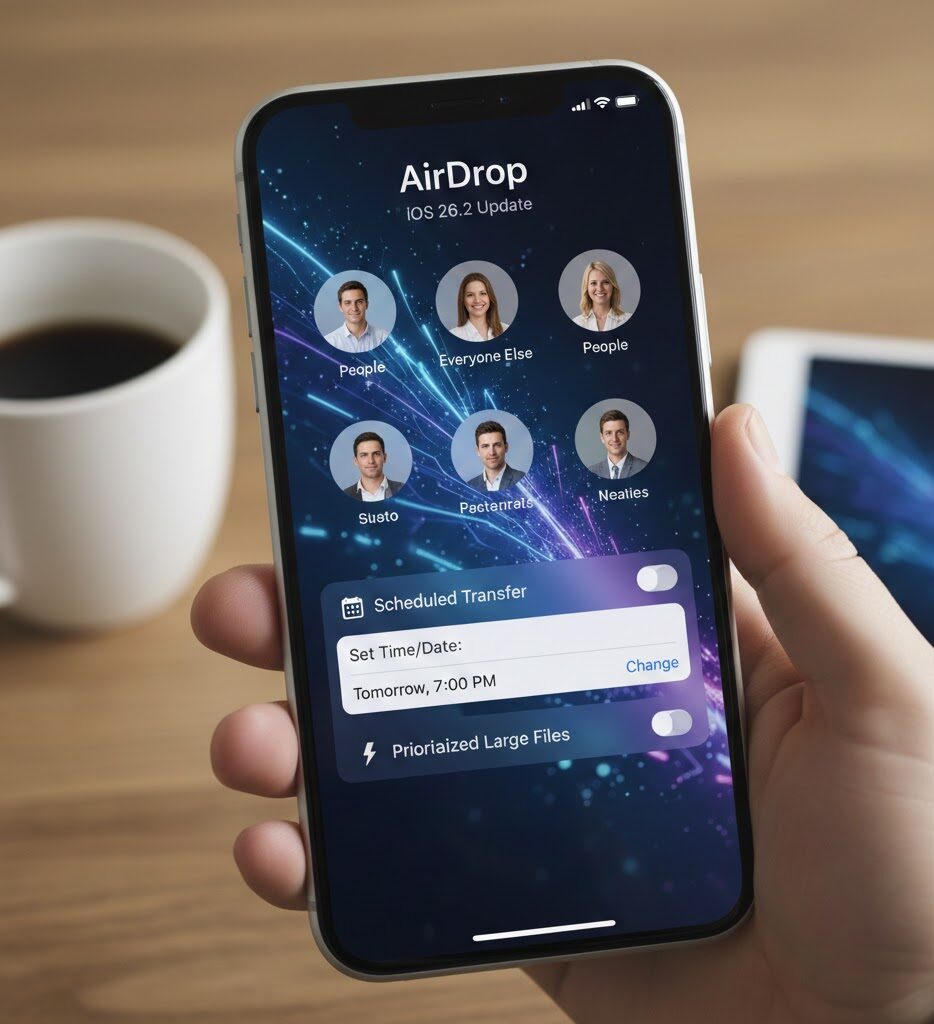
Better Privacy : Well friends in the modern generation and upcoming generation privacy is one of the best option You get fine-grained control over who can see your device — perfect if you share files with someone temporarily, like a coworker or classmate you don’t want in your contacts.
Longer Access Window : Previously, the Everyone for 10 Minutes setting only worked for a short timeframe and exposed your device to all nearby Apple devices. The new code lasts 30 days specifically for the paired user.
More Useful for Work & School : If you find yourself sharing files with the same people frequently without adding them as contacts, this is an ideal solution.
Read more : How To Find the Fastest DNS Server for Your Android Phone (2025 Guide)
How to Use the New AirDrop Code Feature (Step-by-Step)
Here’s a complete walkthrough of how to use the new AirDrop code feature in iOS 26.2. If you want to know the complete process of applying these steps so read all the points carefully.
- First of all you need to Go to Settings > General > Software Update and Install iOS 26.2 if available.
- Now you have to Open the File You Want to Share Pick the photo, document, video, or other file you want to send.
- After that you have In the app you’re using (e.g., Photos, Files), than tap the Share icon.
- Now you have to Tap AirDrop than Select the AirDrop icon from the share sheet.
- After that you have to Generate an AirDrop Code
If the receiver isn’t in your contacts and both devices are on iOS 26.2 or later:
The receiver will be prompted to generate an AirDrop code
They share the code with you
- On the other hand the sender’s iPhone, enter the one-time code the receiver generated.
- At the end Transfer Begins Once the code is verified, the devices are paired for AirDrop sharing for the next 30 days. You can now send and receive items without entering another code.
Read more : Google Begins Gradual Rollout of Long-Awaited Feature to Change Your @gmail.com Address
Manage Your AirDrop Codes & Access
Now guys you have to understand that how you manage your Airdrop Codes and Access To see or remove devices you’ve shared a code with:
- First of all you need to Open Settings
- Now you have to Go to General
- After that you have to Tap AirDrop
- After that you have to Tap Manage Known AirDrop Contacts
From here, you can see active pairings and remove them if needed.
This new controls panel gives you a clearer view of who can access your device and makes it easy to revoke access early if needed
Important Updates
- Use codes when sharing with people you’ll interact with often (e.g., classmates, coworkers)
- Keep AirDrop on “Contacts Only” for everyday privacy
- Revoke access anytime from Settings if you no longer need it
- Make sure both devices are updated to iOS 26.2 or later
Read more : The 5 Best Apple Products of 2025 – Top Picks You Shouldn’t Miss
iOS 26.2 Brings a Much-Needed Feature to AirDrop – FAQs
What is the new AirDrop feature in iOS 26.2?
The latest iOS 26.2 update introduces a one-time AirDrop code system, allowing users to share files with people not in their contacts by generating a temporary code valid for up to 30 days.
How does the AirDrop code work?
The receiver generates a unique code from their device, shares it with the sender, and once entered, the sender can AirDrop files without adding the receiver to contacts.
Is this new AirDrop feature available on all iPhone models?
This feature is available on devices that support iOS 26.2 or later, which typically includes recent iPhone models. Make sure both devices are updated to this version.
Does the AirDrop code expire?
Yes, the code pairing remains valid for up to 30 days, after which you need to generate a new code if you want to continue sharing.
Do both devices need to be running iOS 26.2?
Yes — for the AirDrop code method to work, both the sender and the receiver must be on iOS 26.2 or newer.
Is generating an AirDrop code secure?
Yes, this system keeps your device private and safe because no one else can use the code — it must be shared directly by the receiver.
Read more : Top 10 Best Budget Smartphones Under $300 in 2025 – Performance Meets Affordability
Conclusion :
In this article, we have shared complete information with you related to [iOS 26.2 Brings a Much-Needed Feature to AirDrop — Here’s How to Use It].The purpose of this website run by the Enterprises is not only to provide benefits but also to improve the standard of living of the Peoples.
At TechVirus, we aim to bring you the latest and most reliable updates from the world of technology. Stay connected with TechVirus for daily tech news, unbiased reviews, and real-world insights that matter.
Visit regularly to get the latest updates, eligibility criteria, application process, and accurate information about other government schemes – Techvirus.net