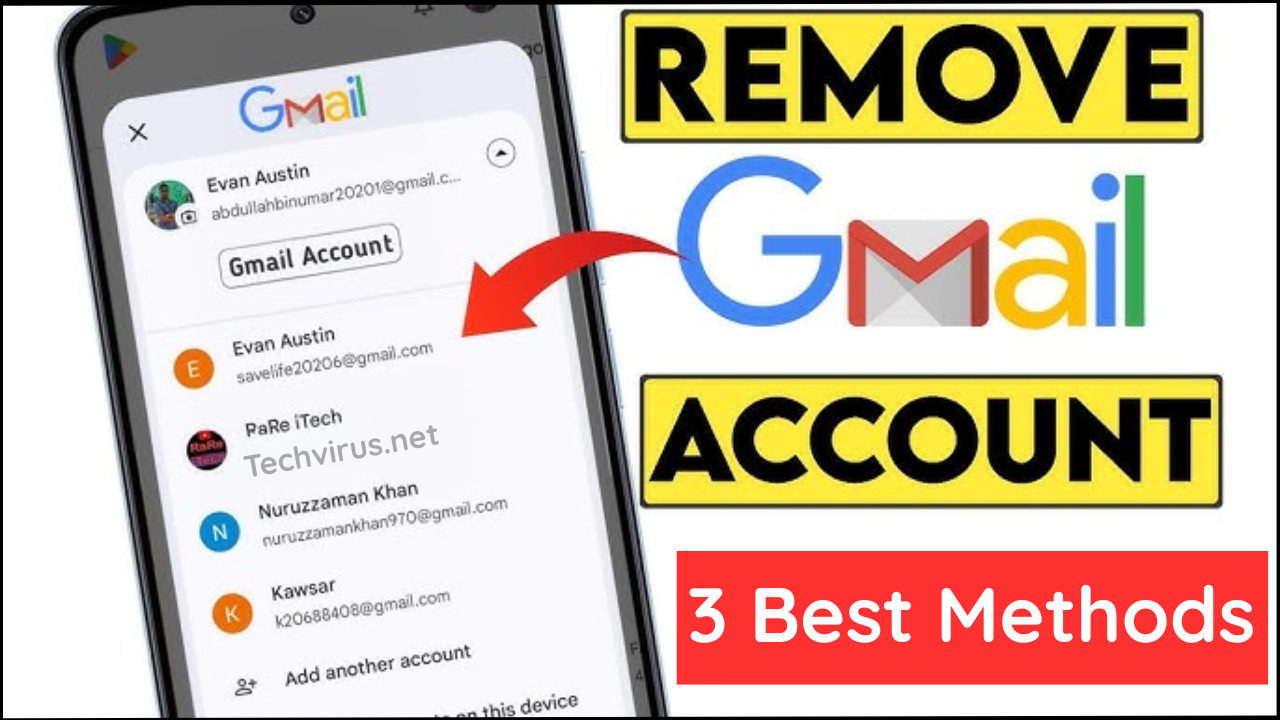
Hello Dear readers welcome to Techvirus today we are going to discuss about How to Remove Gmail Account on Android (Step-by-Step Guide 2026). Gmail played a very important role in everyday life most of the work has been done by email. People make new email for their work but they don’t know how to remove that so be with us till the end of the article.
Fortunately guys as we saw that there are multiple methods are availabe on internet to remove the gmail account and make the new one but we are here to tell you that three best methods to remove gmail account on android so read all the methods very carefully to apply on it.
Read more : How to Combine Multiple Images into One PDF (Easy & Step-by-Step Guide)
How to Remove Gmail Account on Android (Step-by-Step Guide 2026)
Guys there is a Android smartphones are deeply integrated with Google services, and your Gmail account is the backbone of that ecosystem. From emails and contacts to app downloads and cloud backups, everything revolves around your Google account.
However, there are times when you may want to remove a Gmail account from your Android device—such as switching accounts, selling your phone, fixing sync issues, or improving privacy. This does not delete the account itself—only disconnects it the device.
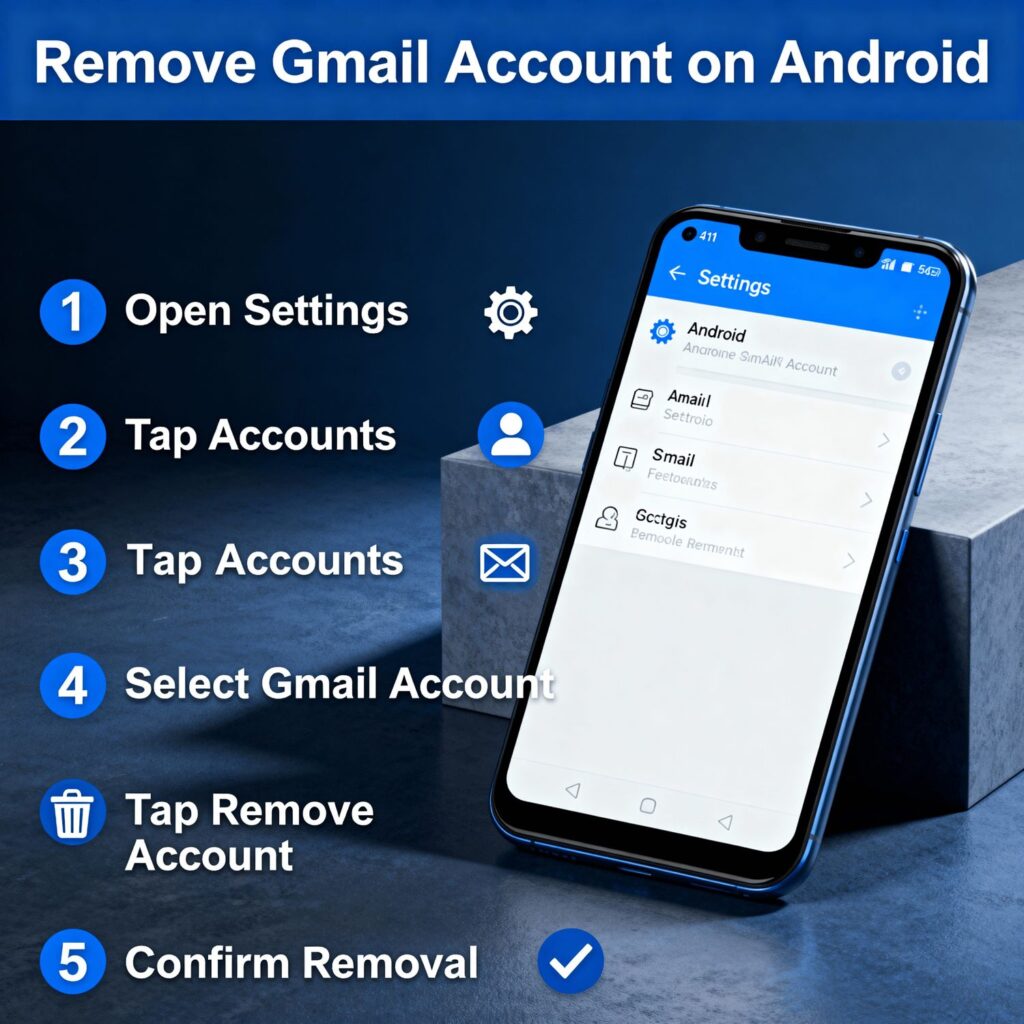
In this detailed guide, you’ll learn how to remove a Gmail account on Android safely, what happens after removal, precautions to take, and answers to common questions. This article is beginner-friendly and works for most Android brands like Samsung, Xiaomi, Realme, OnePlus, Vivo, and others.
Things to Know Before Removing a Gmail Account
Before proceeding, keep these important points in mind:
- Removing a Gmail account does not delete the Google account permanently
- Emails and data remain accessible via another device or browser
- Apps downloaded using that account may stop updating
- Contacts and calendar events linked to that account will be removed from the phone
- If it’s the only Google account, Android may ask for screen lock verification
Always back up important data before removing an account.
Read more : Google Gemini Integrates Personal Data for Enhanced AI Responses with Personal Intelligence
Method 1: Remove Gmail Account via Android Settings (Recommended)
Specially remove gmail account via android settings This is the safest and most commonly used method.
- First of all you need to Open Settings on your Android phone
- After that you have to Scroll down and tap Passwords & Accounts or Accounts
- On the other hand you have to Select Google from the account list
- After that guys you have to Choose the Gmail account you want to remove
- Now you have to Tap Remove Account
- After that you have to Enter your screen lock PIN, password, or fingerprint
- At the end you have to Confirm the action
Once completed, the Gmail account will be removed from your Android device.
Method 2: Remove Gmail Account Through Gmail App
On the other hand there is a remove gmail account through gmail app This method removes the account from the device as well.
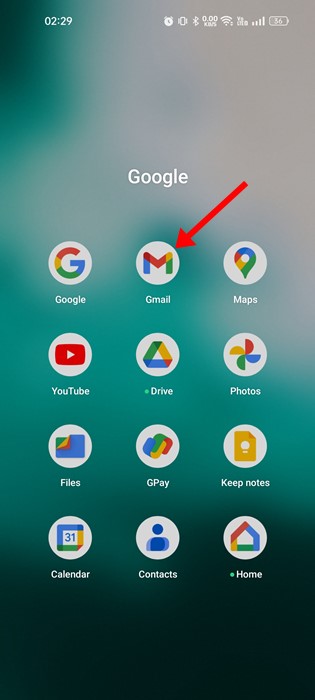
- First of all you need to Open the Gmail app
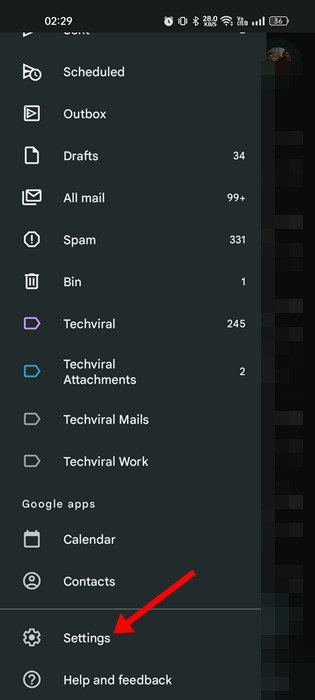
- After that you have to Tap your profile picture (top-right corner)
- Now you have to Select Manage accounts on this device
- Now you have to Tap Google
- After that you have to Choose the account
- Now you have to Tap Remove account
- At the end you have to tap Confirm when prompted
This is helpful if you mainly use Gmail and want a quick option.
Read more : Apple Creator Studio Launched: New All-in-One Subscription for Creators on iPhone, iPad & Mac
Method 3: Remove Gmail Account for Factory Reset or Phone Sale
Friends we are here at the last step remove gmail account for factory reset or phone sale If you are planning to sell or reset your phone, removing your Gmail account is essential to avoid Factory Reset Protection (FRP) lock.
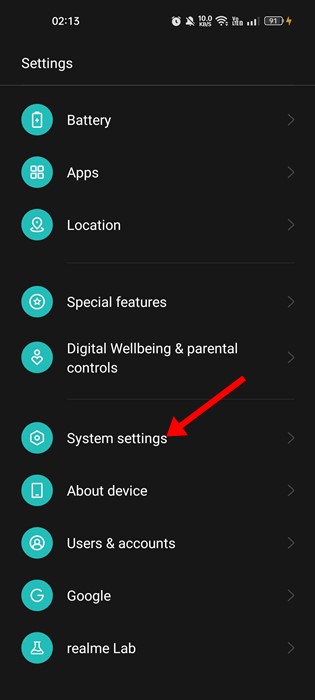
- After that you have to Go to Settings → System → Reset options
- At the end you have to Select Erase all data (factory reset)
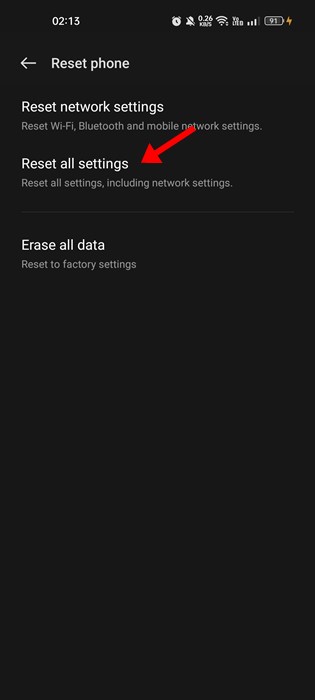
This ensures the next user won’t need your Google credentials.
How to Add Gmail Account Back on Android
If you removed the account by mistake, follow these steps:
- Now you have to Open Settings
- After that you have to Tap Accounts → Add account
- After that you have to Select Google
- After that you have to Sign in using your email and password
- At the end you have to Verify with OTP if required
Your emails and data will sync again automatically.
Read more : How to Enable Wi-Fi Calling on iPhone – Complete Step-by-Step Guide
Common Problems and Fixes
Can’t Remove Gmail Account?
- Ensure screen lock (PIN/Pattern) is enabled
- Restart the phone and try again
- Update Android system software
- Remove account in Safe Mode (advanced users)
Gmail Keeps Syncing Even After Removal?
- Clear Gmail app cache
- Restart the device
- Check if another Google account is active
Important Updates
- Always back up contacts and photos
- Sign out before selling or giving away your phone
- Remove Google account before factory reset
- Avoid removing the primary account on a work-managed phone
Read more : How to Adjust Left and Right Audio Balance in Windows 11 (Step-by-Step Guide)
How to Remove Gmail Account on Android – FAQs
Does removing Gmail account delete my emails permanently?
No. Your emails remain stored on Google servers and can be accessed from another device or browser.
Can I remove Gmail account without deleting Google account?
Yes. Removing a Gmail account only disconnects it from the device; it does not delete the account.
What happens to Play Store apps after removing Gmail account?
Apps remain installed, but updates and purchases may stop if no other Google account is added.
Can I remove Gmail account from Android without password?
No. Android requires screen lock or Google verification for security reasons.
Read more : Top 10 Best Budget Smartphones Under $300 in 2025 – Performance Meets Affordability
Conclusion :
In this article, we have shared complete information with you related to [How to Remove Gmail Account on Android (Step-by-Step Guide 2026)].The purpose of this website run by the Enterprises is not only to provide benefits but also to improve the standard of living of the Peoples.
At TechVirus, we aim to bring you the latest and most reliable updates from the world of technology. Stay connected with TechVirus for daily tech news, unbiased reviews, and real-world insights that matter.
Visit regularly to get the latest updates, eligibility criteria, applying to method , and accurate information about other technology schemes – Techvirus.net