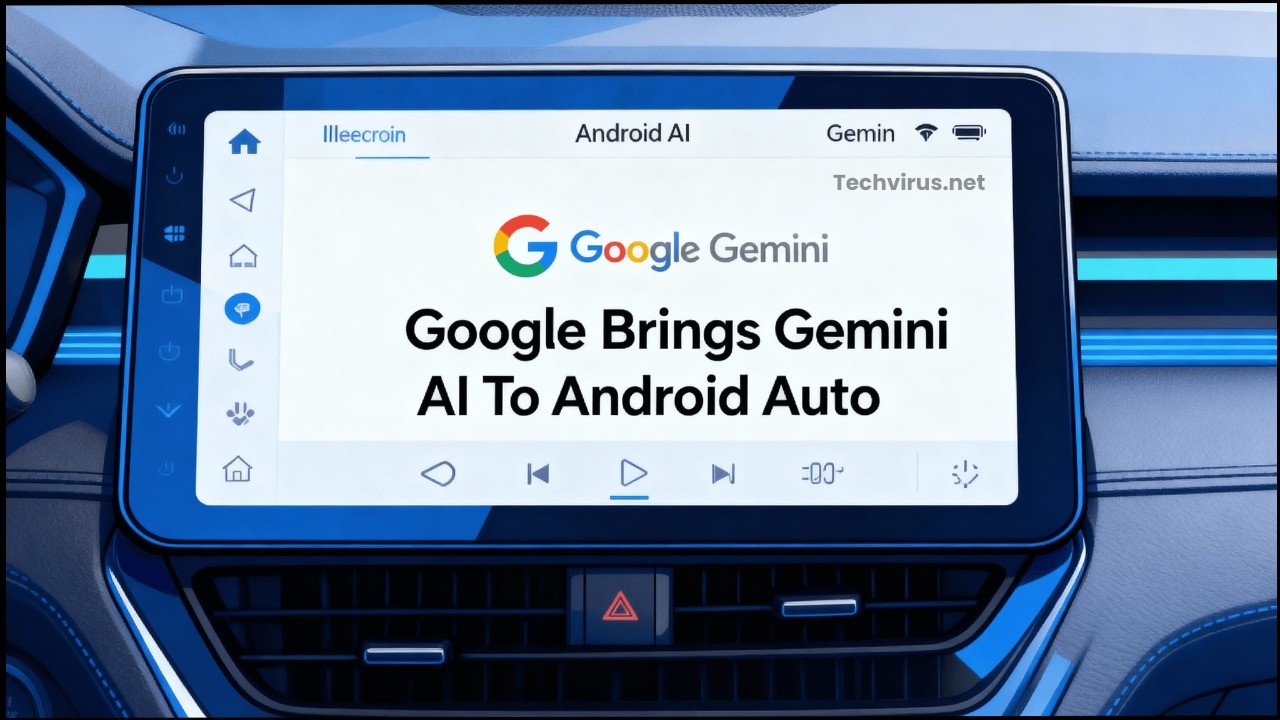
Hey Friends welcome to Techvirus today we are going to discuss about Google Brings Gemini AI To Android Auto Google is expanding day by day our artificial intelligence model due to rapid expansion and great power ability to do this Google is bringing its powerful Gemini AI to Android Auto, making your driving experience smarter and more intuitive.
Friends there are lots of updates coming in google Gemini recently there was a major update coming into this Google Gemini 3.2 Update – New AI Chat Features Explained and this time google take the Gemini which was google Ai model to bring android auto if you want to know more about this topic be with us till the end of the article.
Read more : How to Create AI Voiceovers for Free (2025 Guide) | Best Free AI Voice Generator Tools
Google Brings Gemini AI To Android Auto
Now that Google has officially started rolling out its powerful Gemini AI assistant to Android Auto, marking a major upgrade in how users interact with their car’s infotainment systems. This integration promises a more natural, conversational experience that could replace Google Assistant in compatible vehicles.
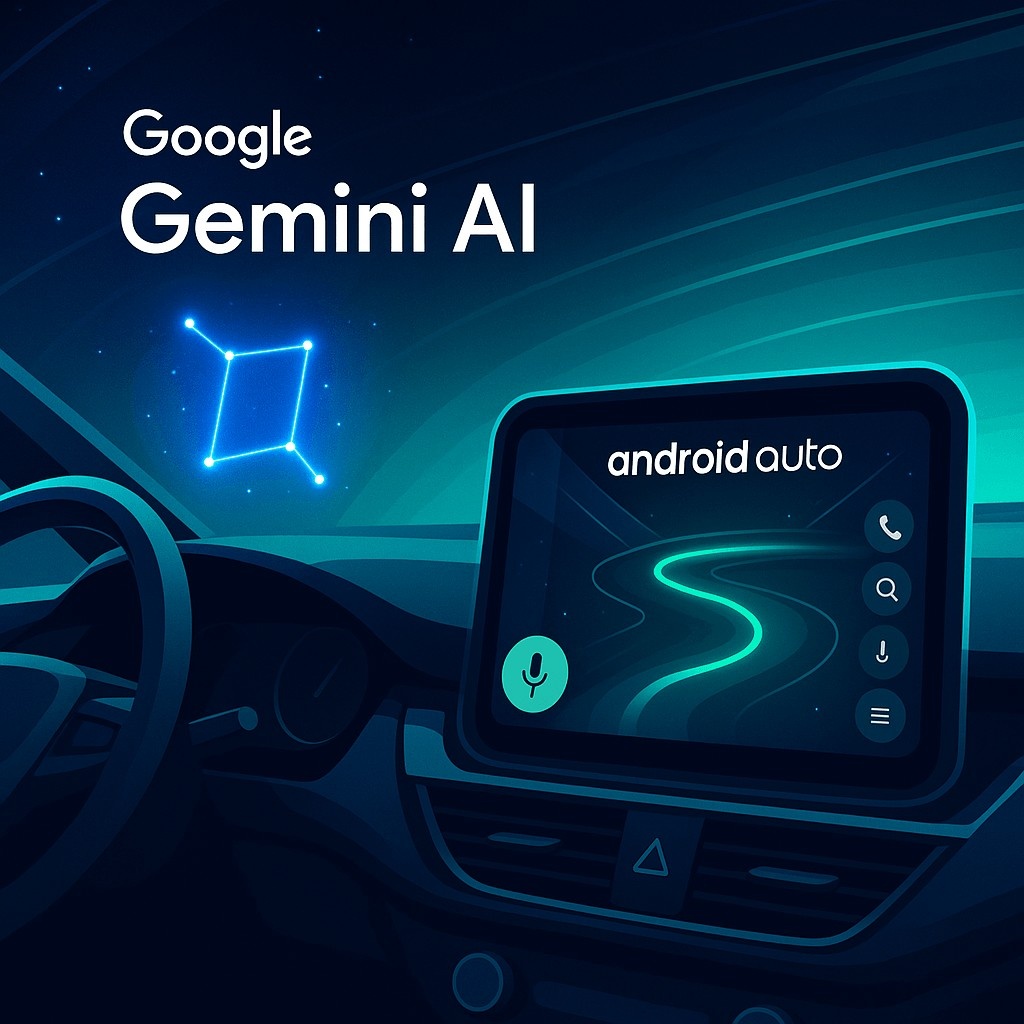
Friends i am going to tell you each and everything This update brings a more conversational and hands-free AI assistant to drivers, making it easier to multitask while on the road With context-aware conversations, message translation, smart navigation, and more, Gemini is not just replacing Assistant — it’s transforming it.
What Is Gemini AI on Android Auto?
Google Gemini Ai on android auto this time google is efficiently working on artificial intelligence So it will more helpful for users and get day by day rectification data durablity. i am listed the three below to understand how its work :
- Gemini is Google’s generative AI, designed to understand context, carry on conversations, and execute complex tasks via voice commands.
- With Android Auto integration, Gemini replaces or enhances the existing Google Assistant with more conversational capability.
- Users can activate Gemini by saying “Hey Google”, pressing the mic button on the car’s display, or long-pressing the voice control on the steering wheel.
Gemini AI in Android Auto might bring conversational AI capabilities, smart recommendations, and driver-assist features via voice. This update brings a more conversational and hands-free AI assistant to drivers, making it easier to multitask while on the road.
Read more : Nothing OS 4.0 Android 16 Update: Release Date, Features & Supported Phones
Key Features of Gemini in the Car
Friends as you till the end of this article that google is cleverly working on Gemini to Ai on android so now we are making a complete list of information to elaborate the overview and key features of this function this key features consist of 6 points.
-
Natural Conversations
-
Gemini supports back-and-forth dialogue, so you don’t have to use rigid, predefined commands.
-
-
Gemini Live Mode
-
As of know You can say: “Hey Google, let’s talk” to start a more open-ended conversation — brainstorm ideas, get travel recommendations, or ask follow-up questions.
-
Google has optimized Gemini’s responses in this mode to be shorter and less distracting while driving.
-
-
Context-Aware Messaging
-
Friends after this feature Gemini can read your messages, summarize them, and even translate replies into 40+ languages and it is really hassle free process
-
It can also remember language preferences for specific contacts.
-
-
Smart Navigation and Places
-
Ask Gemini for places to stop along your route — it can pull info from Google Maps, including reviews and recommendations.
-
For example: “Any good restaurants open nearby?” or “Show me EV charging stations along the way.”
-
-
Email & Calendar Access
-
Gemini can fetch details from Gmail while driving. For instance: “I booked a hotel — check my email and pull up the address.”
-
It also integrates with your calendar to remind you of upcoming events or meetings.
-
-
Music & Entertainment
-
Gemini works with YouTube Music, Spotify, and other media apps. You can ask it to build road-trip playlists: e.g., “Make me a 3-hour drive playlist, something upbeat.”
-
Why This Matters
Friends i know you all are thinking that why this matters so much so i want to tell you that This integration of Gemini AI into Android Auto is a really significant development for several key reasons, impacting how we interact with our vehicles and the digital world while driving.
- Hands-free, safer driving: More complex tasks can be done without taking your eyes off the road.
- More helpful than voice commands: It’s not just about executing simple instructions — Gemini understands context and nuance.
- All-in-one assistant: Instead of opening different apps (Maps, Gmail, Messaging), Gemini centralizes interaction in natural language.
Read more : Samsung Galaxy S26 Ultra Leaks: Major Design Changes, Camera Upgrades & Early Specs Revealed
Rollout & Availability
Now Friends i am going to share you the rollout and availability onto this and there are so much of replanned factionary It’s great you’re asking about when you can expect to use Gemini in Android Auto! Here’s a breakdown of what we know about the rollout and availability:
- The rollout of Gemini to Android Auto has already begun. Select beta users have reported seeing Gemini in Android Auto versions 15.6 and 15.7.
- According to Google, the integration will expand to “cars with Google built-in” later in the year.
- Google says Gemini for Android Auto will support 45+ languages globally.
Potential Challenges & Considerations
Gradual rollout Google tends to deploy features in stages (pilot groups, regions, or vehicle platforms) before wider availability. Region-based differences Availability often varies by country due to regulatory, localization, and carrier considerations.
Now Friends i am going to share you the Complete potential challenges and considerations so i am going to give you complete detailed list of points step by step just read it below.
-
Server-Side Rollout
-
Many users report that the Gemini integration is being enabled via server-side switches, so not everyone gets it at once.
-
-
Distraction Risk
-
While conversational AI is powerful, there’s always a risk of cognitive distraction when engaging in richer dialogues while driving.
-
-
User Experience Consistency
-
Some early users have reported voice recognition issues, or that Gemini doesn’t always respond reliably in the car.
-
Others say the voice options aren’t very pleasing yet.
-
-
Privacy Concerns
-
As Gemini integrates with Gmail, Messages, and other personal data sources, privacy and trust become more important.
-
However, Google’s communication so far suggests that they are rolling out responsibly.
-
Read more : AI Smartphones 2025 – Best Upcoming AI Phones, Features, Launch Timeline
How to Try Gemini on Android Auto (If Available to You)
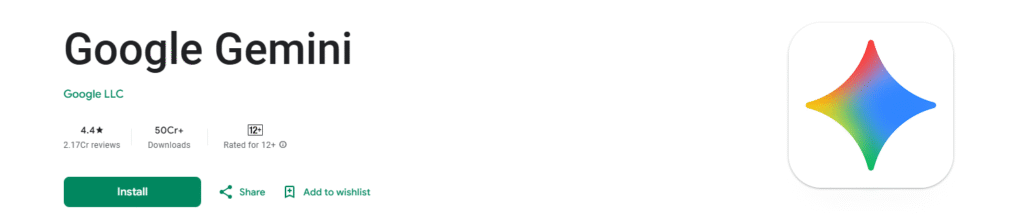
- First thing you need to Install the latest Google Gemini App on your Android Phone.
- On the other hand you have to Use Android Auto (wireless or wired) to project your phone to your car’s display.
- Next thing Once Gemini is enabled for your account, you might see a “Gemini on Android Auto” tooltip or announcement on your car’s screen.
- Than Next Try saying “Hey Google” or press the mic / long-press voice button on steering to invoke Gemini.
- At the end you clearly visible the things now all done.
Read more : OnePlus 15 Launched Globally: Full Specifications, Features, Price & First Impressions (2025)
Google Brings Gemini AI To Android Auto – FAQs
Is Gemini AI replacing Google Assistant in Android Auto?
Yes. In supported vehicles and devices, Gemini is being rolled out to replace Google Assistant in Android Auto.
How do I activate Gemini in my car via Android Auto?
You can say “Hey Google,” tap the mic icon on the car’s screen, or long-press the voice button on the steering to launch Gemini.
What is Gemini Live on Android Auto?
Gemini Live is a conversational mode where you can have a back-and-forth chat with AI in real time — to brainstorm, learn, ask for advice, or just talk while driving.
Can Gemini translate messages while driving?
Yes. Gemini supports translating outgoing messages in over 40+ languages, and it can remember language preferences for specific contacts.
Does Gemini work with my music apps while driving?
Absolutely. Gemini integrates with streaming apps like YouTube Music and Spotify, letting you ask for customized playlists or play specific songs.
When will Gemini be available for all Android Auto users?
The rollout has started, but it’s gradual. It’s being enabled server-side, so availability depends on your region, phone, and car.
Read more : Top 10 Best Budget Smartphones Under $300 in 2025 – Performance Meets Affordability
Conclusion :
In this article, we have shared complete information with you related to [Google Brings Gemini AI To Android Auto ].The purpose of this website run by the Enterprises is not only to provide benefits but also to improve the standard of living of the Peoples.
At TechVirus, we aim to bring you the latest and most reliable updates from the world of technology. Stay connected with TechVirus for daily tech news, unbiased reviews, and real-world insights that matter.
Visit regularly to get the latest updates, eligibility criteria, application process, and accurate information about other government schemes – Techvirus.net